Introduction
It may seem unusual to see a review of an app in our publication. Still, as with everything else we review in Hifiandmusicsource, we believe that this app from JPlay may help listeners get greater enjoyment from their systems.
The brain behind JPlay is Marcin Ostapowicz, who’s perhaps better known for his other brand, JCAT, which is well known for producing components that help turn computers into high-end music servers. More recently, Marcin started the XACT Audio brand, which manufactures servers, network switches, and peripherals such as cables and isolation products, designed to optimise network streaming.
The JPlay control app has been designed not only to enhance the user experience but also to improve sound quality. Of course, ‘an app cannot improve sound quality,’ I hear you cry, and you would be correct. However, it is possible for an app to degrade sonic performance. Most apps remain in constant communication with the renderer or streamer they are controlling. JPlay has been developed to minimise traffic between your controlling device, in my case an iPad, and either my Melco Server or the various DAC/Streamers I have at my disposal. Unnecessary traffic introduces additional noise, which, as I have come to appreciate over the last few years, is the enemy of streaming performance.
Cards on the table, JPlay has been my choice of controller for the last two years or so. I first heard about it from a dealer friend, who had had some previous experience with other JPlay products, including the JPlay Femto Network Music Software. I confess to initial reluctance at the prospect of forking out £43.99 on an app. Still, following the generous 14-day trial, I was hooked and had no hesitation in entering my card details.
What is it Like To Use?
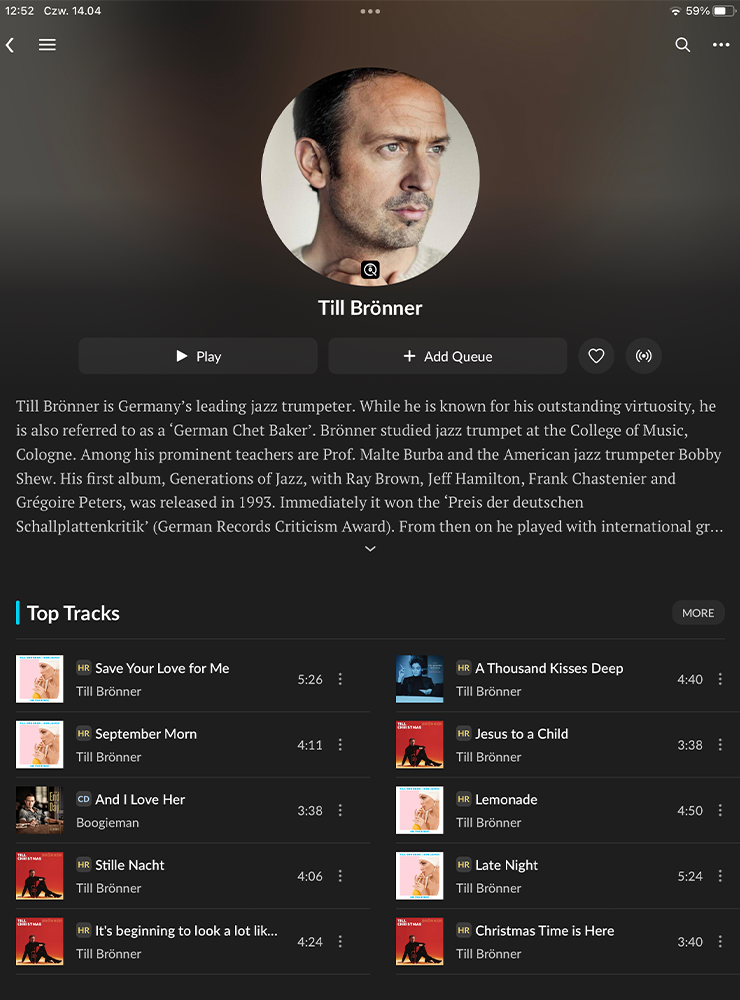
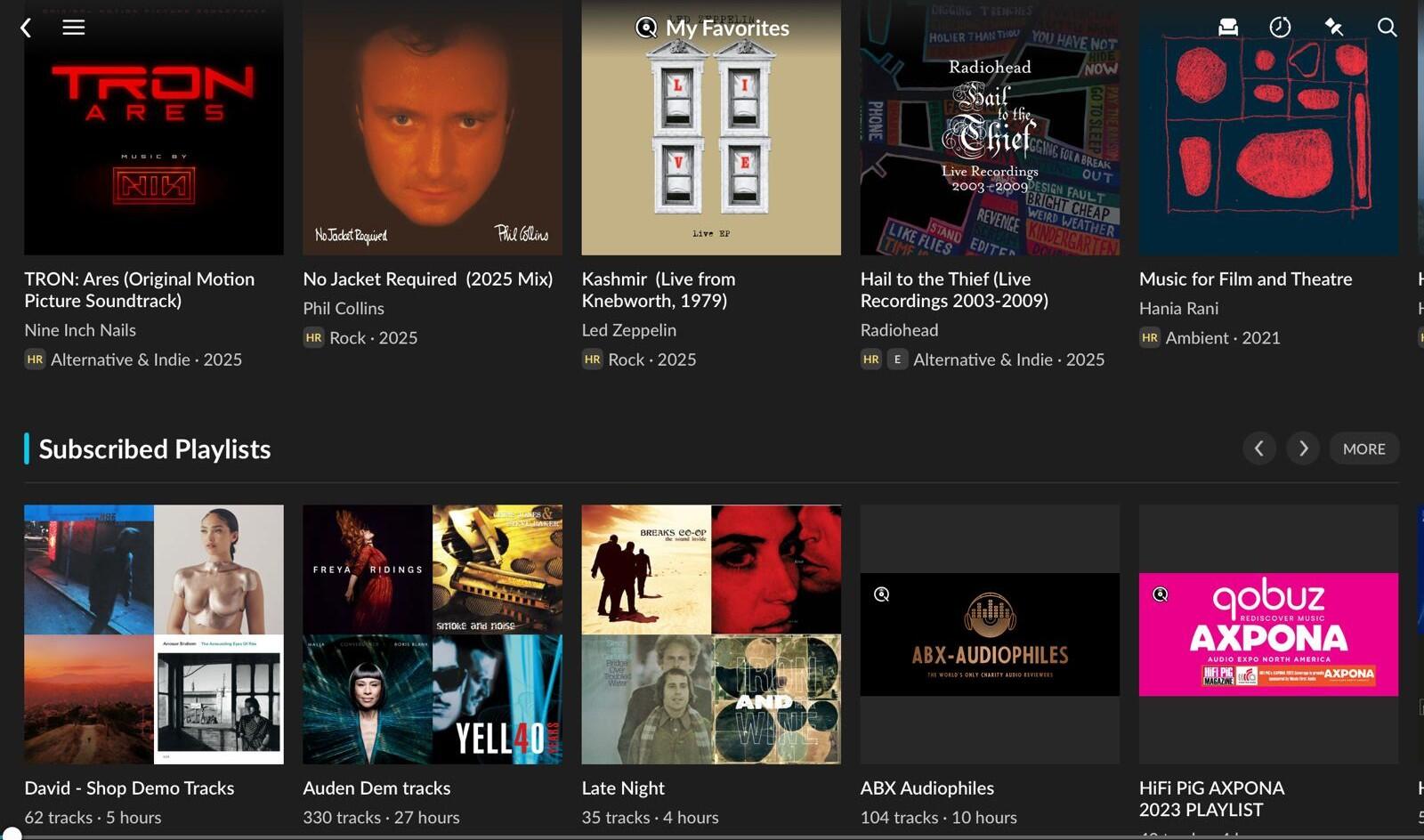
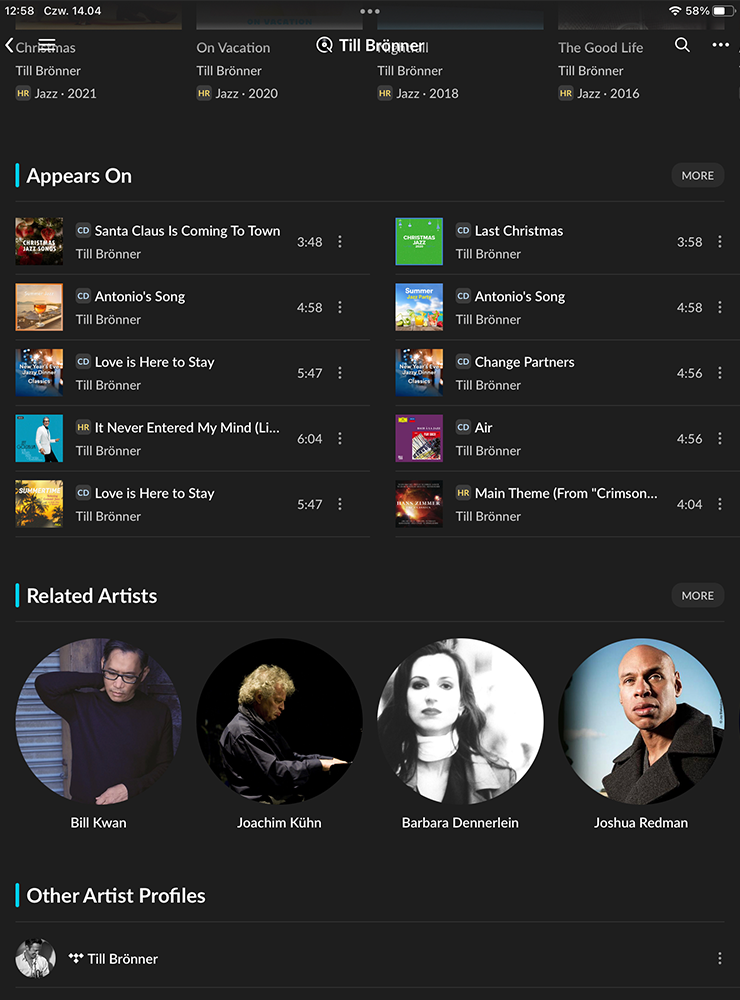
During my initial conversation with my dealer friend, he described it as very ‘Roon-like’. I never got into Roon, having felt that the requirement to purchase an additional NUC† or server to access my music library, along with the significant licensing fee, was a step too far for me. However, having trialled Roon several years ago, I can, in certain ways, see what he means, particularly with the song info and radio function. Similar to Roon, JPlay will display other music from the artist you are listening to and provide recommendations for similar music, although this feature is limited to when using a streaming service.
I use JPlay to stream music from both my Melco server and Qobuz. Tidal fans are also catered for, but no others at present. Whilst other streaming services may have their fans, I think Marcin has made the right choice in concentrating on these two, which, in my experience, tend to be the best sounding.
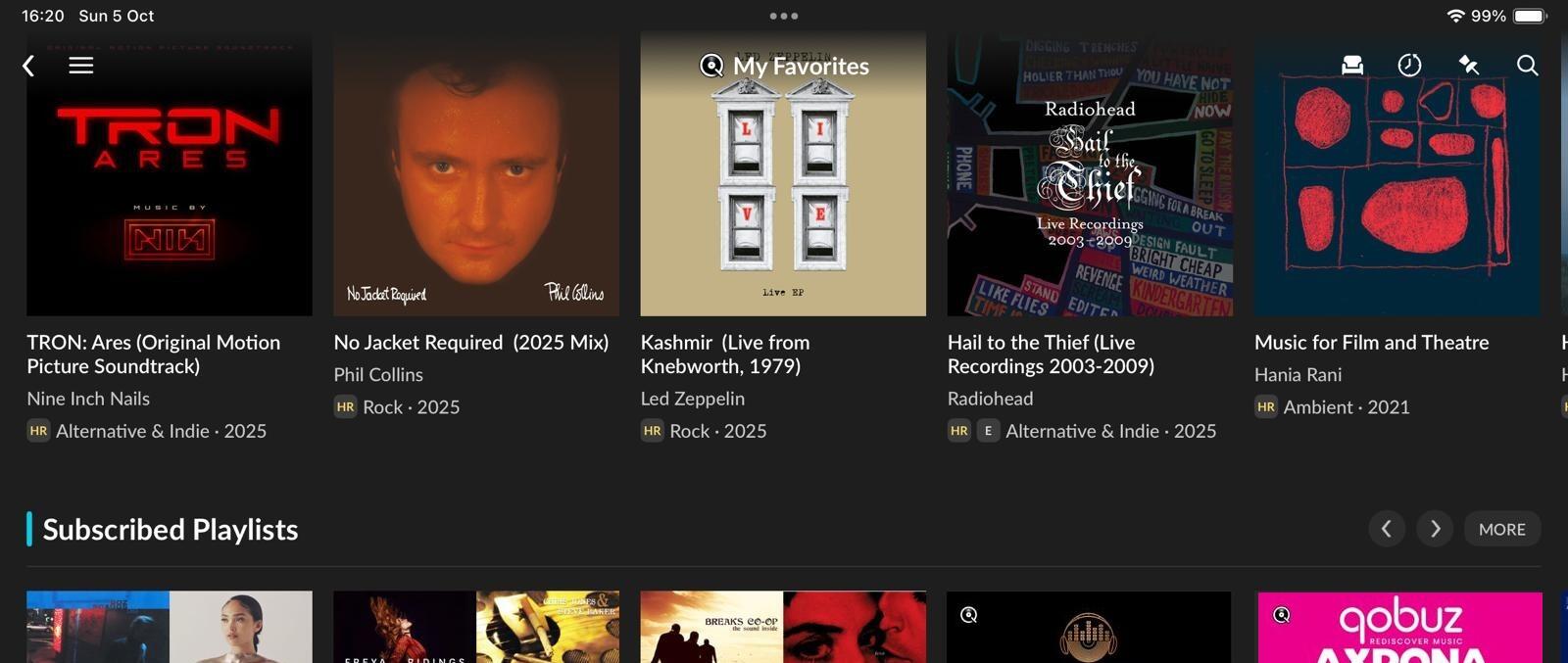
Setting up Qobuz is as simple as entering your login credentials. JPlay syncs your Favourites, Purchases and Playlists seamlessly. Occasionally, I found that I had to resync to update Favourites added via other apps or the Qobuz website, but this is pretty standard. Setting up the server took a bit more time. Having selected the server from the list of devices showing on my network, I had to run a scan for JPlay to index the contents of my library. As my Melco N1’s 4TB SSD is pretty much filled to the brim, this meant leaving the app open for a few minutes while it ran the scan, but it was hardly a chore. I have also done the same for the smaller libraries of my Chord Poly/Mojo and Chord 2Go/Hugo2. Once synced, everything displayed correctly, and the album artwork was correct, which isn’t always the case.
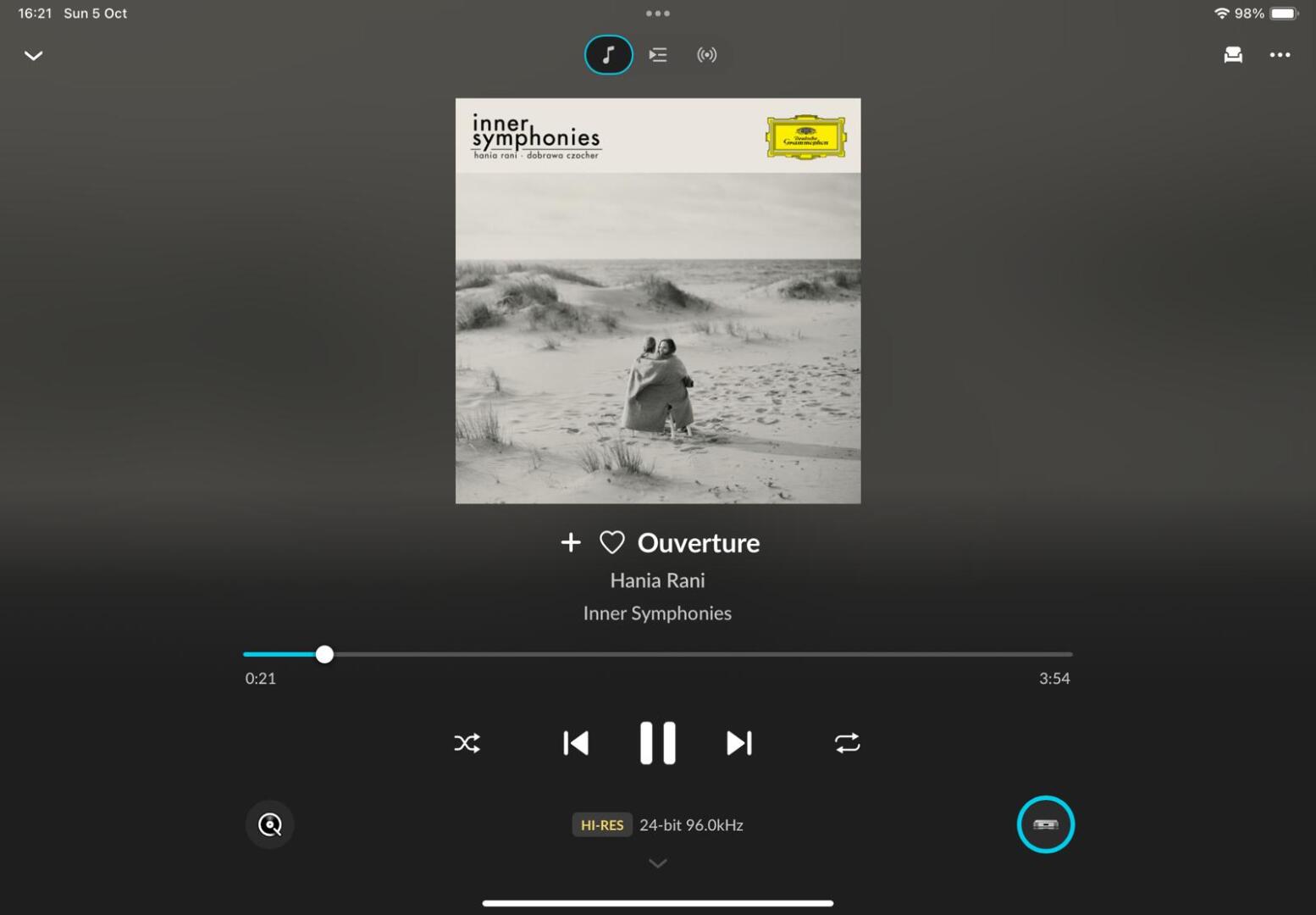
Changing the output renderer or streamer is as simple as opening the Settings tab and selecting the desired streamer or renderer from the list. If you have recently switched on the intended device, you will need to hit Refresh, but that’s it.
Within Qobuz, recommendations and new releases are displayed in line with the native app. Speaking of which, with the recent release of Qobuz Connect, which also claims to minimise unnecessary network traffic, many will question the need for a premium price third-party app, such as JPlay. The obvious benefit in my case is that I get to use the same app to stream music from my music server and Qobuz, which enables mix tracks from both sources in the same playlist. I have five streaming devices available. Of these five, only two are compatible with Qobuz Connect. Additionally, using JPlay means I can pause a track and continue listening through another system without having to reload the playlist. However, it is still necessary to change the output to the other system.
The only operational caveat is that you cannot skip through the track while the track is paused. Oh, and occasionally it flakes out a bit if you mess around with the renderer while the app is paused, requiring me to close and restart the app. Such compromises must be considered small in the context of the improvements elsewhere.
†NUC (Next Unit of Computing) is a headless computer; so just the processor, motherboard, input and output, no screen, mouse, keyboard, etc.
Does JPlay Really Sound Better Than Other UPnP Apps?
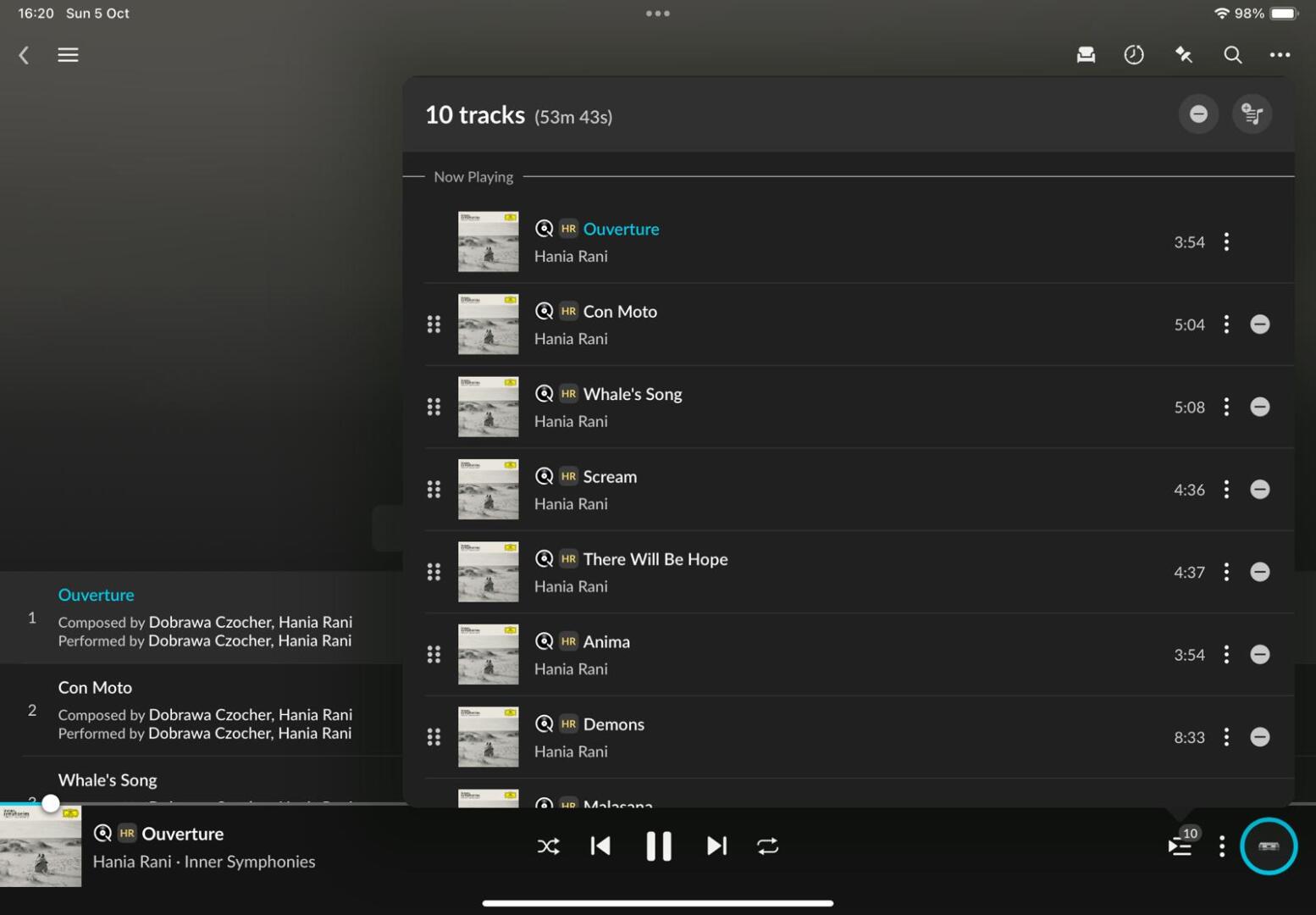
Put simply, yes! I still occasionally use the native Moon MiND2 app to control my Moon 780D DAC/Streamer, as it allows me to adjust the volume level of the connected Moon 600i amplifier and change sources, which can be useful at times. However, I will always revert to JPlay for critical listening, as it sounds cleaner and better defined. The soundstage is also that bit more holographic and expansive. Music is more immediate with JPlay, as timing cues are better defined.
I found comparisons between JPlay and Qobuz Connect to be much closer. The native app gives a more holographic sound than apps such as Mconnect and indeed Moon MiND2. JPlay matches Qobuz Connect in these areas, and brings superior definition and immediacy to the party.
In my experience, the improvements I have mentioned are typical of what happens when noise, including RFI and EMI, is reduced.


Is JPlay Worth Paying Extra For?
I have often read that the success of a streaming product stands or falls depending on the accompanying app. The arrival of Qobuz Connect has levelled the field somewhat for users who exclusively stream from the service. To an extent, JPlay can do the same for those of us who stream from stored media, albeit at a cost.
In terms of sonic performance, a £43.99 per annum subscription or a £199.99 lifetime subscription can be considered excellent value. Many of us will have no doubt spent similar amounts on a cable upgrade, or indeed an isolation product for similar improvements.
To sum things up, JPlay looks great, delivers a great user experience and above all, offers superior streaming performance. Once you have used JPlay, it is hard to go back to another app.
JPlay Highlights
Related Posts


Cambridge Audio Announces CXN100 Network Player
Cambridge Audio this week announces the CXN100…
Naim Audio NSC 222 streaming preamplifier with NPX 300
This is a HiFi Review of the Naim NSC 222…